Business portraits that feel polished, local, and still like you.
HeadshotKit helps professionals, teams, and agencies create consistent headshots from reference photos. Upload, choose a look, save the batch, and reuse it whenever a profile, pitch deck, website, or campaign needs a better portrait.
- Use 1-2 real reference photos so identity stays grounded.
- Save subjects and looks for repeat clients, teams, and shoots.
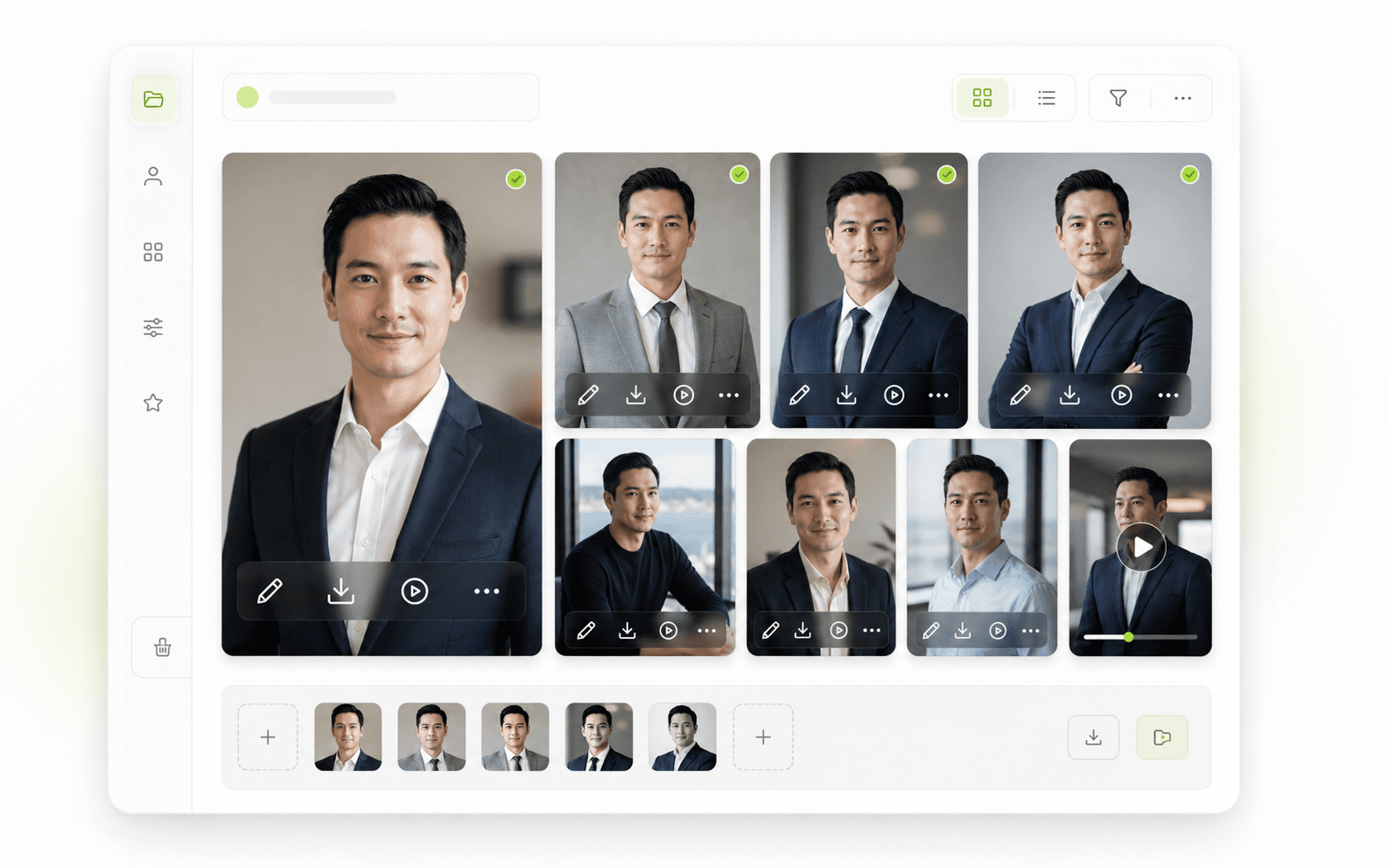
- Download stills, edit crops and filters, or create short motion clips.
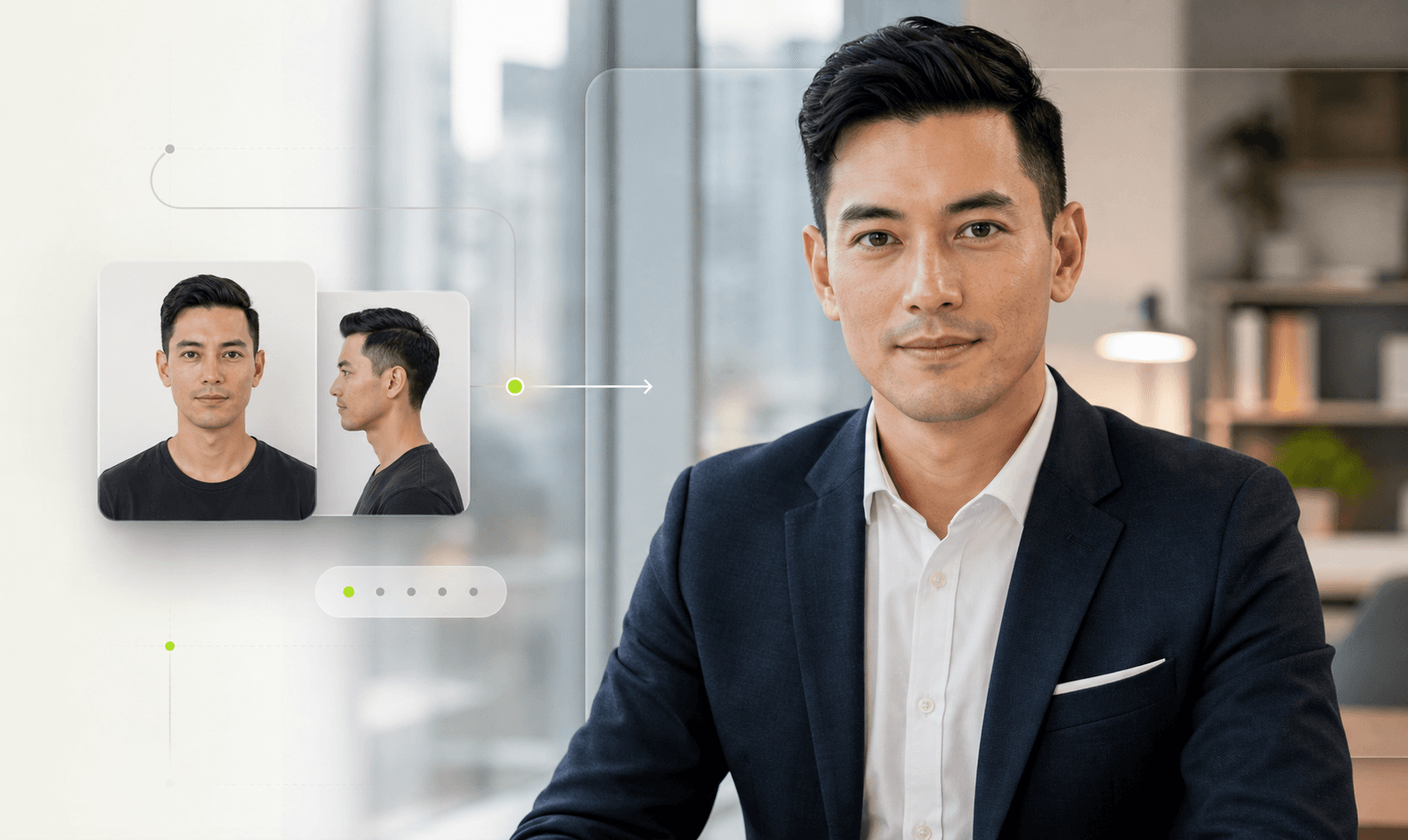
Why this fits the local market
What the product actually does
The value is the workflow around the portrait, not just the generated image. HeadshotKit keeps the repeat work organized so every new update is faster than the last.
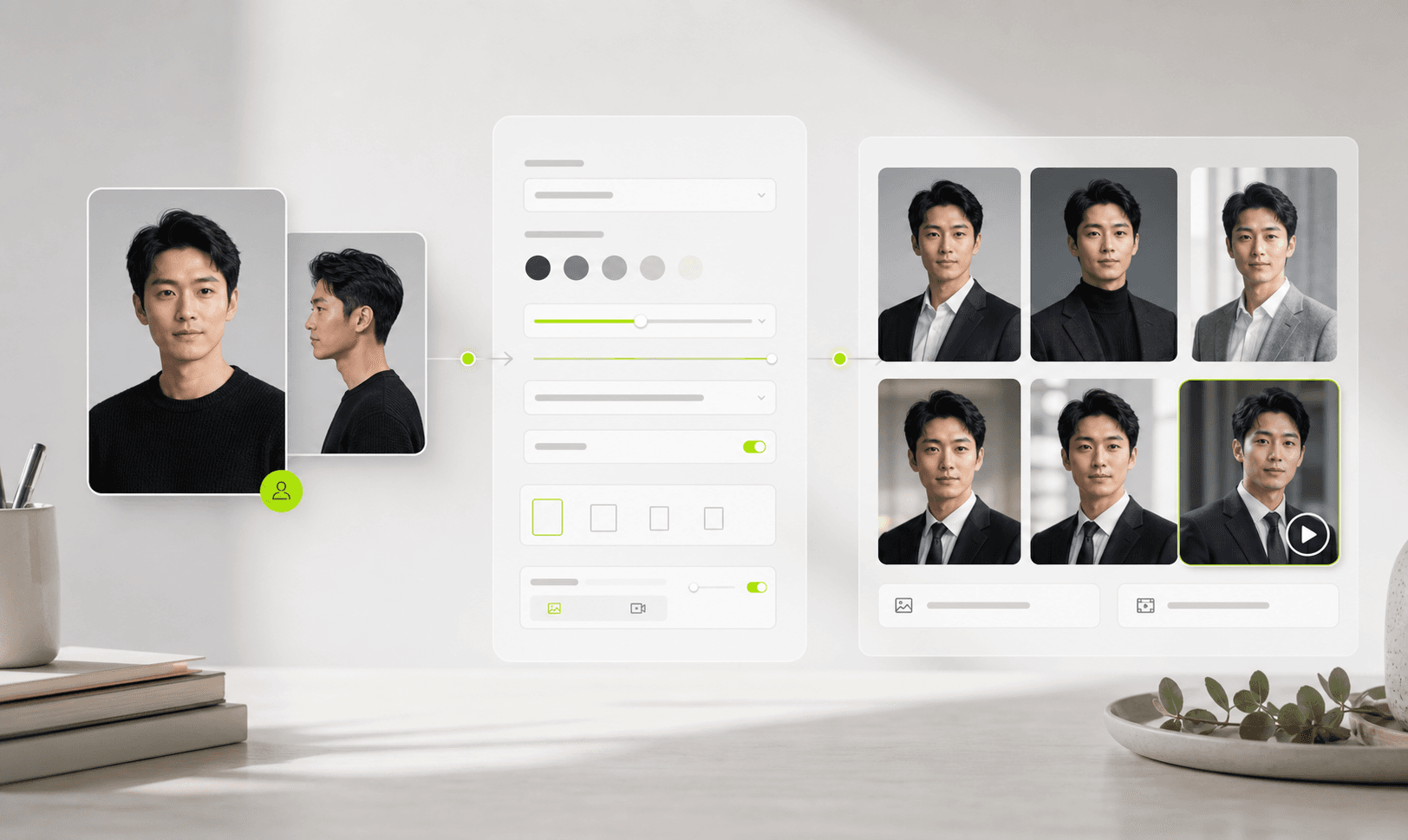
1-2
reference photos
Ground identity before changing wardrobe, crop, or background.
4
workflow steps
References, style, output, then saved results.
1
studio library
Subjects, batches, edits, downloads, and clips stay together.
Workflow
From reference to reusable portrait set
The selling point is control and reuse. HeadshotKit is not a prompt box; it is a small studio system for creating, organizing, and refining portraits.
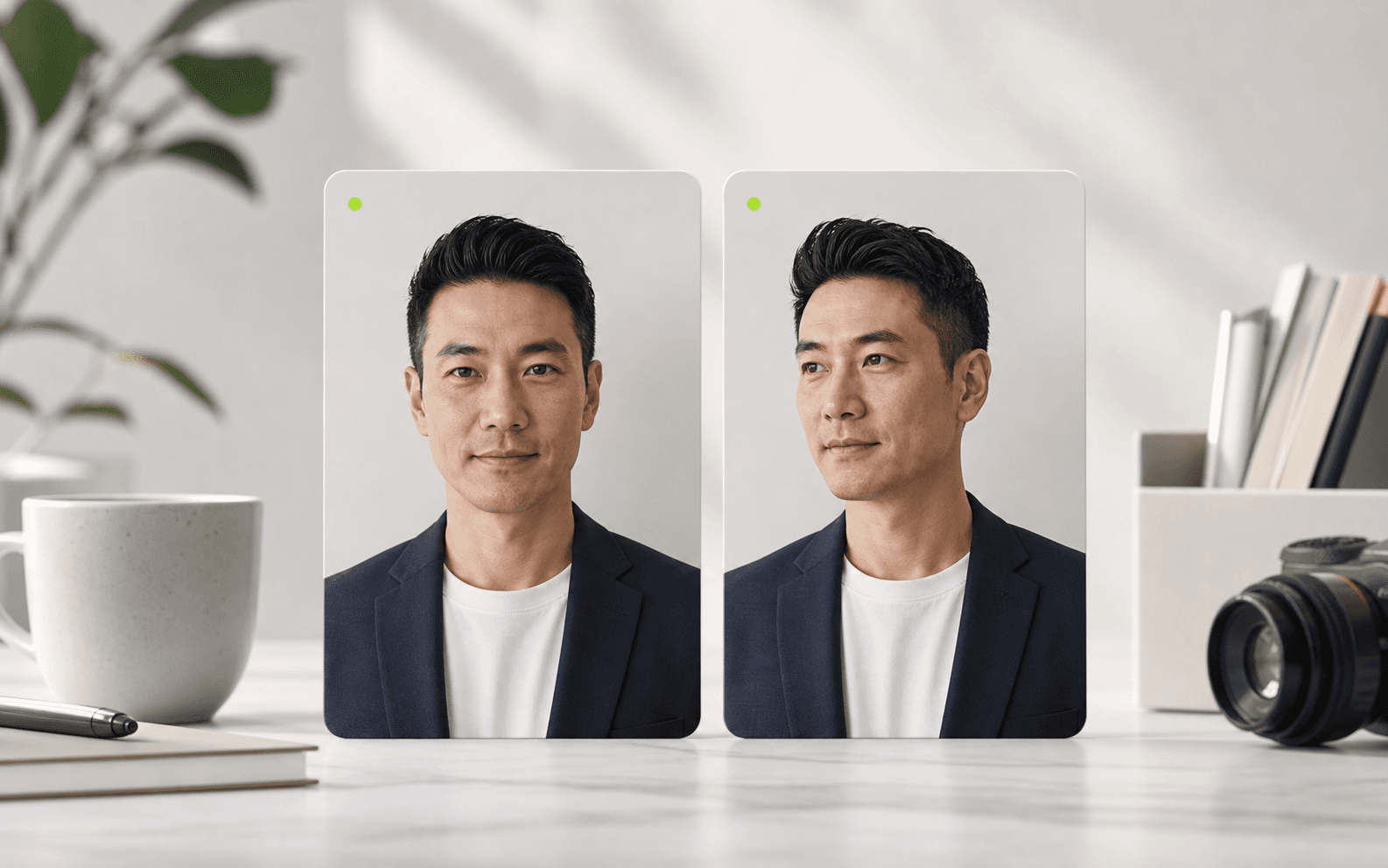
01
Add references
Upload a clear front-facing photo and, optionally, one subtle second angle.
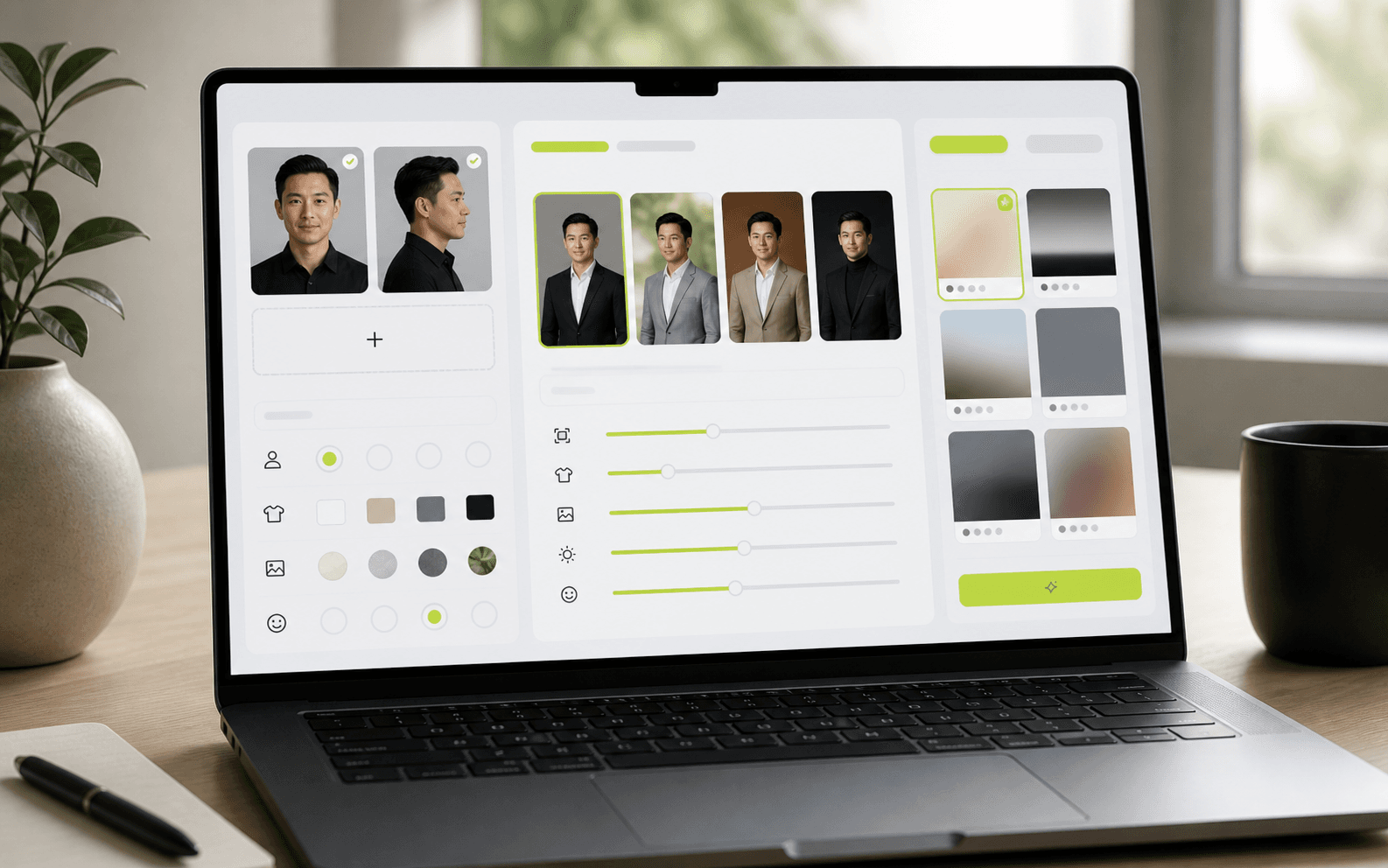
02
Choose the look
Start from a curated recipe, fine-tune art direction, or save a look for later.
03
Use the batch
Download, crop, edit, animate, or return to the same subject for the next run.
Search fit
Common ways teams use HeadshotKit
Practical portrait work for LinkedIn, company teams, founder profiles, proposals, and bilingual business pages.
LinkedIn headshots for professionals
Create a cleaner profile photo for LinkedIn, CVs, speaker bios, and consultant pages without arranging a new photoshoot.
Team headshots for startups and SMEs
Keep staff portraits visually consistent when new people join or when the company website needs a refresh.
Founder portraits for pitch decks
Create polished images for investor decks, press kits, About pages, and conference submissions.
Agency portrait batches for clients
Organize subjects, saved looks, generated images, edits, downloads, and motion clips by batch.
FAQ
Questions people ask before trying AI portraits
Can I use HeadshotKit portraits for LinkedIn?+
Yes. HeadshotKit is designed for professional profile images, team pages, pitch decks, websites, and similar business contexts.
How many reference photos do I need?+
One clear front-facing photo can work. Two photos usually help: one neutral face and one subtle angle of the same person.
Is this for individuals or teams?+
Both. Individuals can create a fresh profile set, while teams and agencies can organize work by subject, client, or shoot.
Can I make consistent company headshots?+
Yes. Saved looks and batches help you keep lighting, framing, wardrobe direction, and background choices consistent across people.
Does HeadshotKit replace a photographer?+
Not completely. It is best for profile refreshes, internal team images, draft campaigns, and repeat business portrait needs where speed and consistency matter.
Can I edit or reuse portraits later?+
Yes. Generated batches are saved in Projects, where you can download, edit, organize, animate, or use a batch as a starting point.